
TopX Registration
Creating a TopX account takes under two minutes and opens access to casino games, live dealer tables, and sports betting markets, all in INR. A verified account guarantees withdrawal eligibility, protects your balance, and ensures your welcome bonus of ₹1,500 INR is credited without delay. The registration and login process works identically on the TopX website and the dedicated mobile app, so you can get started on any device. Support is available 24/7 in case you need assistance at any stage of the process.
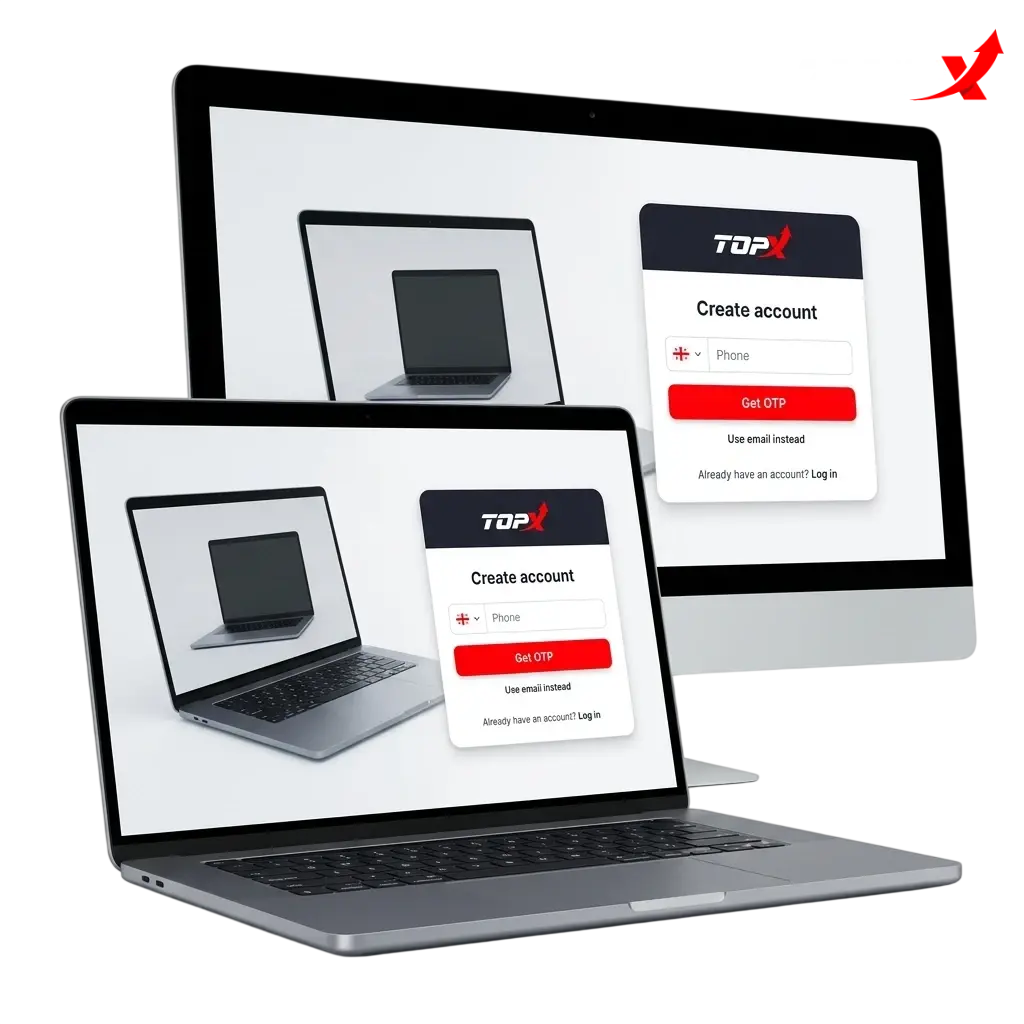
TopX Sign Up Instructions
TopX registration is a single-page process that collects only the essential details to activate your account. Follow these steps to complete your sign up:
Click the Sign Up Button
Tap the “Sign Up” button on this page to open the TopX registration form directly.
Enter Your Personal Details
Provide your full name, date of birth, and a valid email address or mobile number. All details must match your official ID.
Set Your Password and Currency
Create a secure password and select INR as your account currency. INR is the default option for Indian players.
Agree to Terms and Submit
Confirm you are 18 years of age or older, accept the Terms and Conditions, and click “Register” to submit the form.
Verify Your Contact Details
Check your email inbox or SMS for a confirmation link or OTP. Enter the code to activate your account and access the platform.
Registration via Mobile App TopX
The TopX mobile app registration follows the same steps as the website but presents the form in a vertically optimised layout suited for touchscreens. Once the app is installed, complete your sign up as follows:
- Open the TopX app and tap “Register” on the home screen.
- Enter your full name, date of birth, and email address or mobile number in the registration form.
- Choose INR as your currency, set a secure password, and select any available registration method (email, mobile number, or one-click sign up if offered).
- Accept the Terms and Conditions, confirm you are 18 or older, and tap “Create Account.”
- Enter the OTP sent to your email or phone to confirm your contact details and activate your account.
Registration Requirements
TopX accepts registrations from Indian players who meet specific eligibility criteria. All accounts are subject to KYC verification before withdrawals are processed, so accurate personal information is required at sign up. Each player is permitted one account only; duplicate accounts may be suspended without notice. The following requirements apply to all new registrations:
- You must be at least 18 years of age to create an account on TopX.
- You must provide your real full name, a valid date of birth, and an active email address or mobile number.
- You must be located in a jurisdiction where online gambling is not prohibited.
- Only one account per person, household, device, and IP address is permitted.
- Identity verification (KYC) using a government-issued document such as an Aadhaar card, PAN card, or passport is required before your first withdrawal.
TopX Account Verification Process
TopX account verification (KYC) is mandatory for all Indian players before any withdrawal can be processed. Completing verification protects your account from unauthorised access and confirms your eligibility to receive bonus payouts. The process is handled securely within your account dashboard and typically completes within 24 hours of document submission.
- Identity Verification: Upload a clear photo or scan of a government-issued ID such as your Aadhaar card, PAN card, or passport.
- Address Verification: Submit a document confirming your residential address, such as a utility bill, bank statement, or Aadhaar card, issued within the last three months.
- Payment Method Verification: Provide proof that the deposit method belongs to you. For UPI or bank transfers, a screenshot of the transaction or a bank statement may be required.
- Selfie Verification: In some cases, a selfie holding your ID document may be requested to confirm your identity in person.
- Review and Approval: The TopX compliance team reviews your submitted documents. You will receive a confirmation notification once your account is fully verified.
Login to TopX Account
Once your account is active, signing in to TopX takes only a few seconds from any device. Follow these steps to access your account:
Open the Login Page
Click the “Login” button on this page to go directly to the TopX sign in screen.
Enter Your Credentials
Type in the email address or mobile number you registered with, followed by your password.
Complete Two-Factor Authentication (if enabled)
If you have 2FA active on your account, enter the OTP sent to your registered phone or email.
Access Your Account
Click “Sign In” to enter your account dashboard, where your balance, bonuses, and full game library are available.
Welcome Bonus After Registration
New TopX players in India are eligible for a welcome bonus of up to ₹1,500 INR, split across casino and sports betting products. The bonus is credited after your first qualifying deposit and requires a promo code or opt-in at the time of registration, depending on the active offer. Review the full terms for each bonus part before depositing, as wagering requirements and minimum deposit amounts differ by product.
| Bonus Type | Bonus Amount | Minimum Deposit | Wagering Requirement |
|---|---|---|---|
| Casino Welcome Bonus | Up to ₹1,500 INR | ₹500 INR | 30x bonus amount |
| Sports Welcome Bonus | Up to ₹1,500 INR | ₹500 INR | 5x bonus amount (on qualifying bets) |
Bonus terms are subject to change. Check the Promotions page for current conditions.
Learn How to Get a Welcome Bonus
Claiming your TopX welcome bonus requires completing a few steps in the correct order. Follow this guide to ensure your bonus is credited:
Register Your Account
Click the button on this page to open the TopX registration form and complete your sign up with accurate personal details.
Enter the Promo Code
During registration or in the Cashier section, enter the applicable promo code for the casino or sports welcome bonus before making your deposit.
Make Your First Deposit
Deposit a minimum of ₹500 INR using UPI, net banking, or any other supported payment method. The deposit must meet the minimum threshold for the bonus to trigger.
Start Playing or Betting
Your bonus funds are credited automatically after the qualifying deposit. Meet the wagering requirements (30x for casino, 5x for sports) within the specified validity period to convert bonus funds to withdrawable cash.
Potential Issues when Registering an Account
Most registration problems on TopX are resolved quickly by reviewing your input details or contacting the support team via live chat. Below are the most common issues and their solutions:
- Duplicate account detected | Solution: Only one account per user is permitted. If you have an existing account, log in using your original credentials or contact support for account recovery;
- OTP or verification email not received | Solution: Check your spam or junk folder. If the message is still missing after five minutes, request a new OTP or contact the 24/7 live chat support team;
- Registration form not submitting | Solution: Ensure all mandatory fields are filled in correctly, including a valid email format and a password that meets the minimum security requirements;
- Mobile number already in use | Solution: The number is linked to an existing account. Contact support with your details to retrieve access to the original account;
- Document rejection during KYC | Solution: Resubmit a high-resolution scan of a valid government-issued ID such as an Aadhaar card or PAN card. Blurred or expired documents are the most frequent cause of rejection.
Account Password Recovery
If you have forgotten your TopX password, you can reset it in under two minutes using the account recovery options on the login page. Follow these steps:
- Click the “Forgot Password” link on the TopX sign in screen.
- Enter the email address or mobile number associated with your account.
- Choose your preferred recovery method: email link or SMS OTP.
- Open the reset email or enter the OTP sent to your phone, then follow the on-screen prompt to set a new password.
- Log in using your new password. If you no longer have access to your registered email or phone number, contact the 24/7 support team via live chat with your account details for manual recovery.
Delete your TopX Account if Needed
You may request account closure on TopX for reasons including responsible gambling self-exclusion, inactivity, or a personal decision to stop playing. Before submitting a deletion request, ensure your balance is withdrawn, as funds remaining in a closed account may be forfeit according to the platform’s terms. Follow these steps to proceed:
- Log in to your account and navigate to the Account Settings section.
- Locate the “Close Account” or “Responsible Gambling” option in the settings menu.
- Select a reason for closure from the available options (e.g., self-exclusion, personal choice) and confirm your request.
- If the option is not available in your dashboard, contact the 24/7 support team via live chat or email and request account deletion directly. The team will process your request and confirm closure.
FAQ
Can I register on TopX using a mobile number instead of an email address?
Yes. TopX allows registration using either a valid email address or an Indian mobile number. You will receive an OTP to your phone to confirm the account during sign up.
How long does the TopX KYC verification process take?
Document review is completed within 24 hours of submission in most cases. Submitting clear, valid documents such as an Aadhaar card or PAN card speeds up the approval.
Is the TopX platform available in Hindi or other Indian languages?
The TopX platform interface is currently available in English. Customer support can assist Indian users in Hindi and other regional languages via live chat.
Which deposit methods are accepted on TopX for Indian players?
TopX supports UPI, net banking, and other INR-compatible payment options. All transactions are processed in Indian Rupees, so no currency conversion fees apply.
Can I access my TopX account on multiple devices simultaneously?
Your account can be accessed on both the website and the mobile app using the same login credentials. Simultaneous active sessions on multiple devices may trigger a security review depending on your account settings.
Updated: